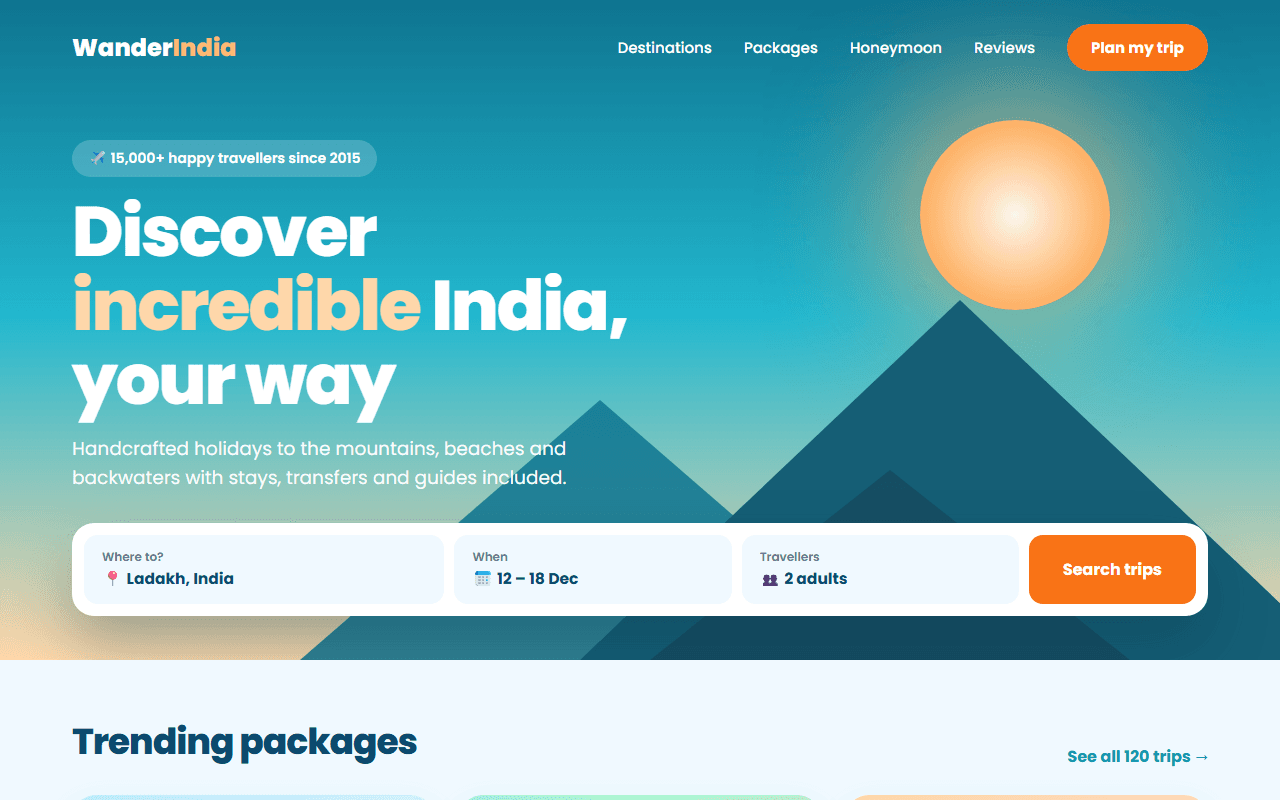
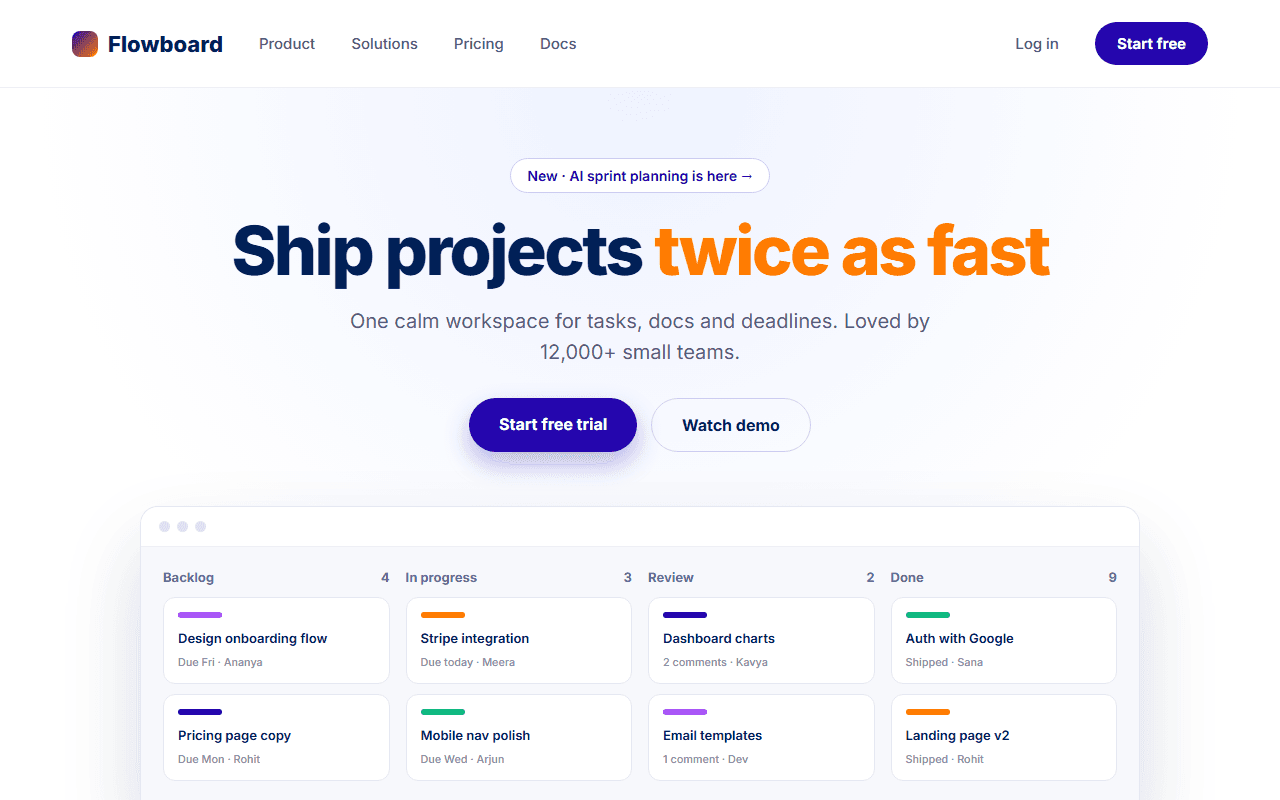
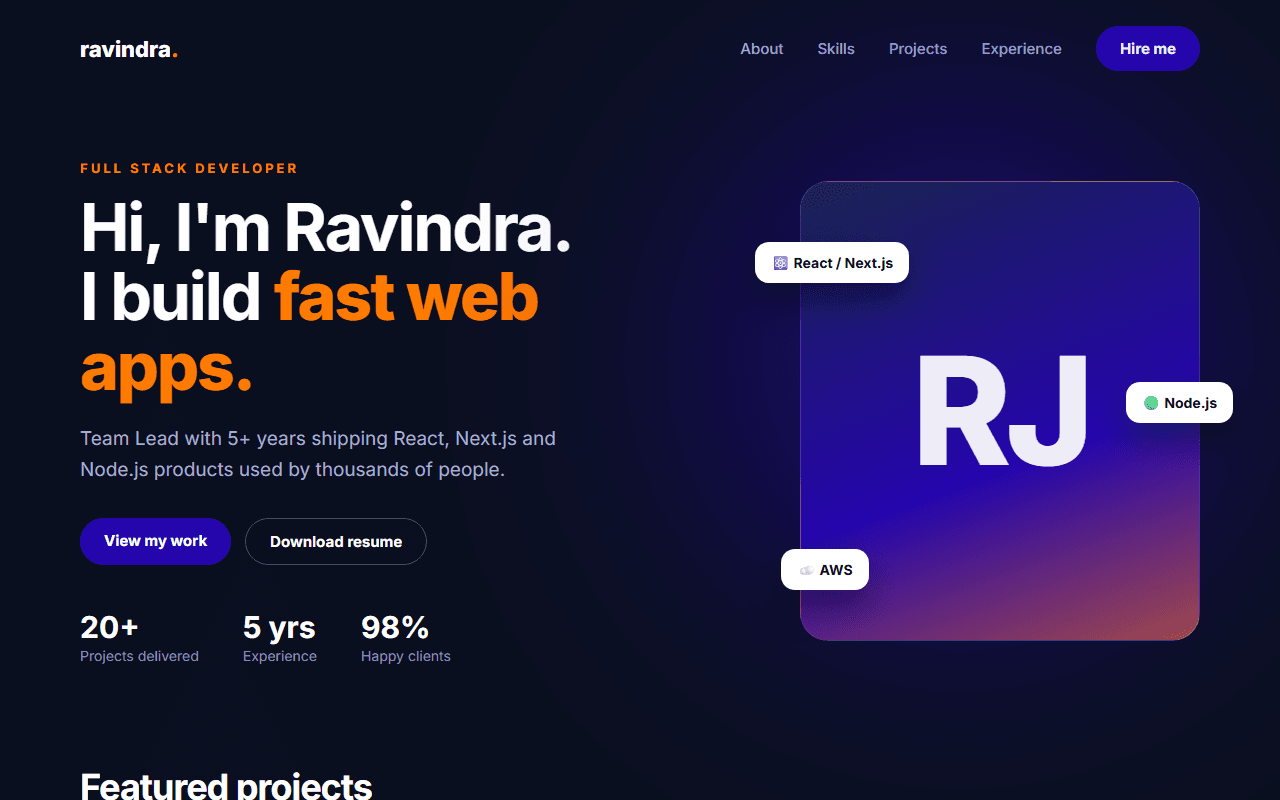
Restaurant & Cafe Website
A warm, appetising website for a restaurant or cafe, with a tabbed menu, photo gallery, reservation form and opening hours.
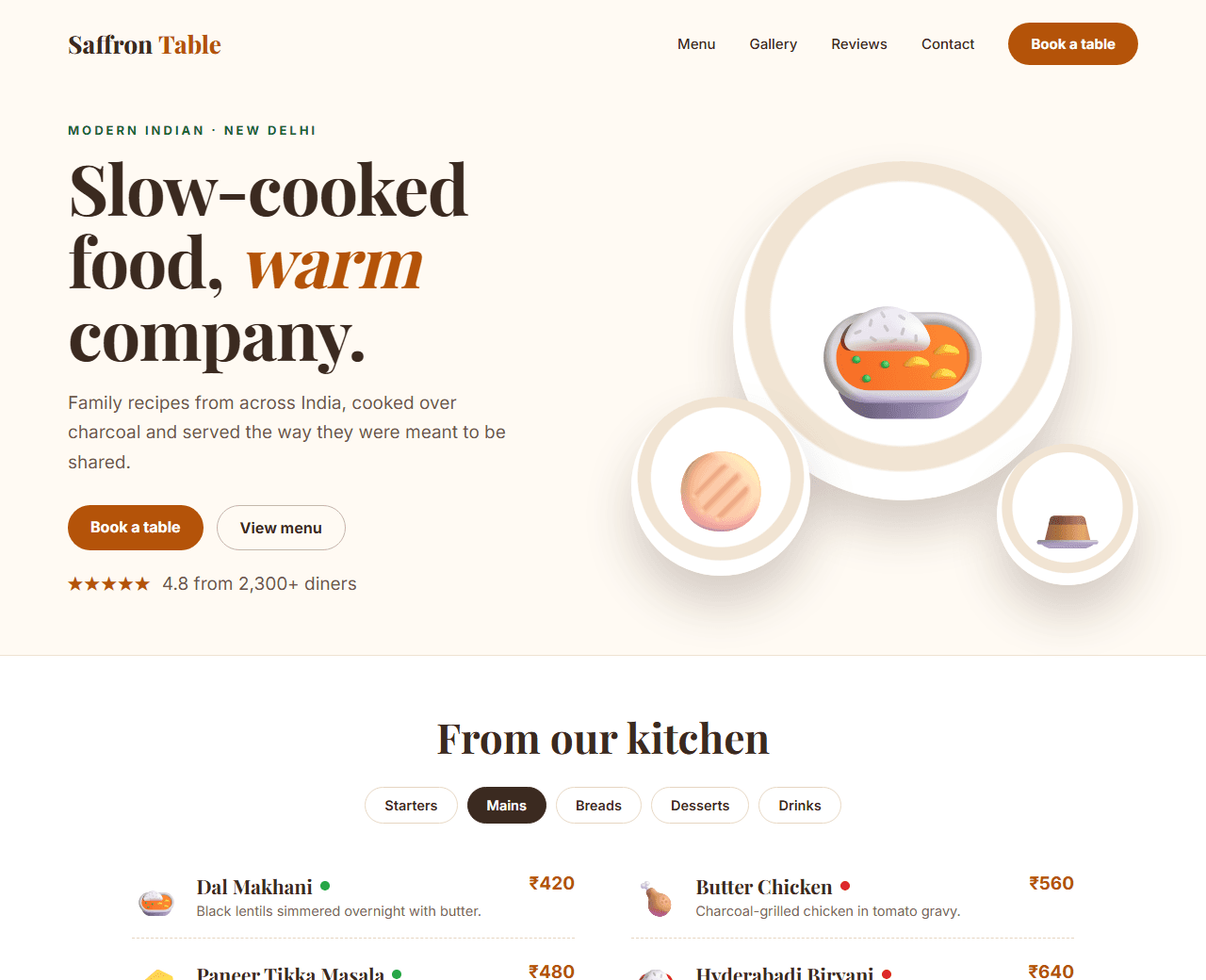
Example of the website this prompt builds. Your result will use your own name, text and images.
- Tech stack
- HTML, CSS and a little vanilla JavaScript
- Colour palette
#fffaf3#3b2a20#b45309#166534
- What it builds
- Navbar with Book a table
- Full-width photo hero
- Our story
- Menu with tabs
- Gallery
- Reviews
- Reservation form
- Location and hours
- Footer
The prompt
Copy everything in the box. Text in quotes and the sample business details are meant to be replaced with your own.
Build a one-page website for a restaurant called "Saffron Table", a modern Indian restaurant in Delhi.

Tech stack: plain HTML, CSS and a small amount of vanilla JavaScript in a single file (no frameworks), so it can be hosted anywhere.

Visual style: warm and inviting. Cream background (#fffaf3), deep brown text (#3b2a20), saffron-amber accent (#b45309) and a touch of green (#166534). An elegant serif font for headings and a clean sans-serif for body text. Photos with slightly rounded corners.

Sections, in order:
1. Navbar: restaurant name, links (Menu, Gallery, Reviews, Contact) and a "Book a table" button. Mobile hamburger menu.
2. Hero: a full-width food photo with a dark overlay, the restaurant name, a one-line tagline and two buttons ("View menu", "Book a table").
3. Our story: two columns, a short paragraph about the chef and a photo.
4. Menu: tabs for Starters, Mains, Breads, Desserts and Drinks. Each tab shows 6 dishes with name, short description, price in rupees, and small "veg" (green dot) or "non-veg" (red dot) indicators.
5. Gallery: a responsive masonry-style grid of 8 photos.
6. Reviews: three customer reviews with star ratings and names.
7. Reservation: a form with name, phone, date, time, number of guests and special requests, with validation messages.
8. Visit us: address, phone, opening hours table (highlight today's row with JavaScript) and an embedded map placeholder.
9. Footer with social links.

Interactions: the menu tabs switch without reloading; smooth scroll to sections; the navbar gets a solid background after scrolling past the hero.

Quality bar:
- Fully responsive: design mobile-first, then tablet (768px) and desktop (1200px).
- Accessible: semantic HTML landmarks, one h1, alt text on images, visible keyboard focus, colour contrast of at least 4.5:1 for body text.
- Fast: no heavy libraries, lazy-load images below the fold, system or two web fonts at most.
- Use placeholder images from a neutral source and realistic sample copy (no lorem ipsum).
- Respect prefers-reduced-motion for every animation.
- Keep the code clean and commented so I can edit it by hand.
How to use this prompt
- 1
Open an AI coding tool. Use any capable assistant: Claude, ChatGPT, Cursor, v0, Bolt, Gemini. Tools that can create files (Cursor, Claude Code, v0, Bolt) are the most convenient because they write the project for you.
- 2
Replace the sample details. Copy the prompt and change the business name, location, colours and any section you do not need. The more specific your details, the better the result.
- 3
Paste the prompt and generate. Send the whole prompt in one message. If the reply is cut off, say “continue from where you stopped”, or ask for one section at a time.
- 4
Run it on your computer. Save the result as index.html and open it in your browser. No installation is needed.
- 5
Review and refine. Check it on a phone-width screen, fix anything that looks off by describing it in plain words, then use the follow-up prompts below to add features one at a time.
- 6
Replace placeholders and publish. Swap in your real text and images, then deploy. Vercel and Netlify both host this kind of site for free.
Follow-up prompts
Send these one at a time after the first version is working. Small, specific requests give much better results than one giant prompt.
Add a 'Order on WhatsApp' button that opens WhatsApp with a pre-filled message.
Add Restaurant JSON-LD structured data with address, opening hours, cuisine and price range.
Add a Hindi/English language toggle for the menu.
Tips for a better result
- Use your real menu and prices; outdated menus are the most common complaint about restaurant sites.
- Compress photos before uploading. Food photography is heavy and slow sites lose bookings.
- Want to hand-build a section instead? The Templates library has heroes, pricing tables, FAQs and more with full code.