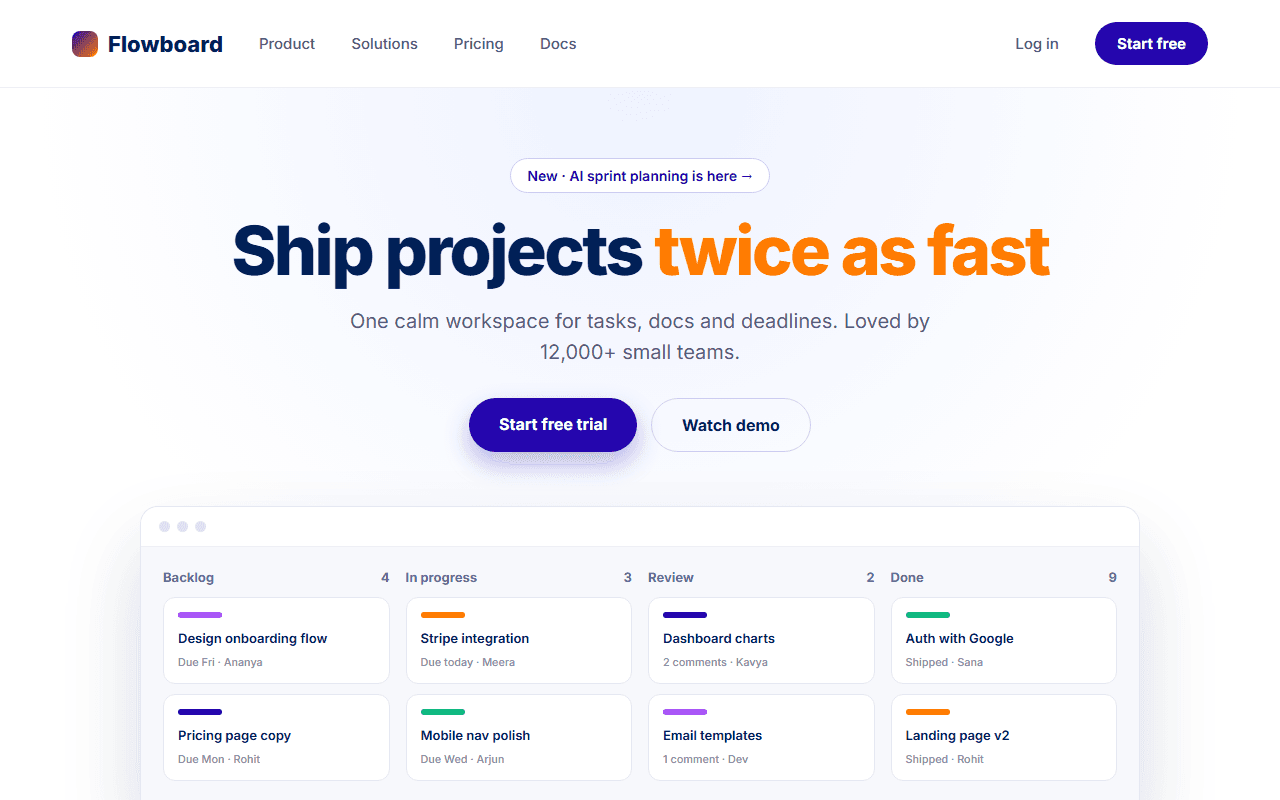
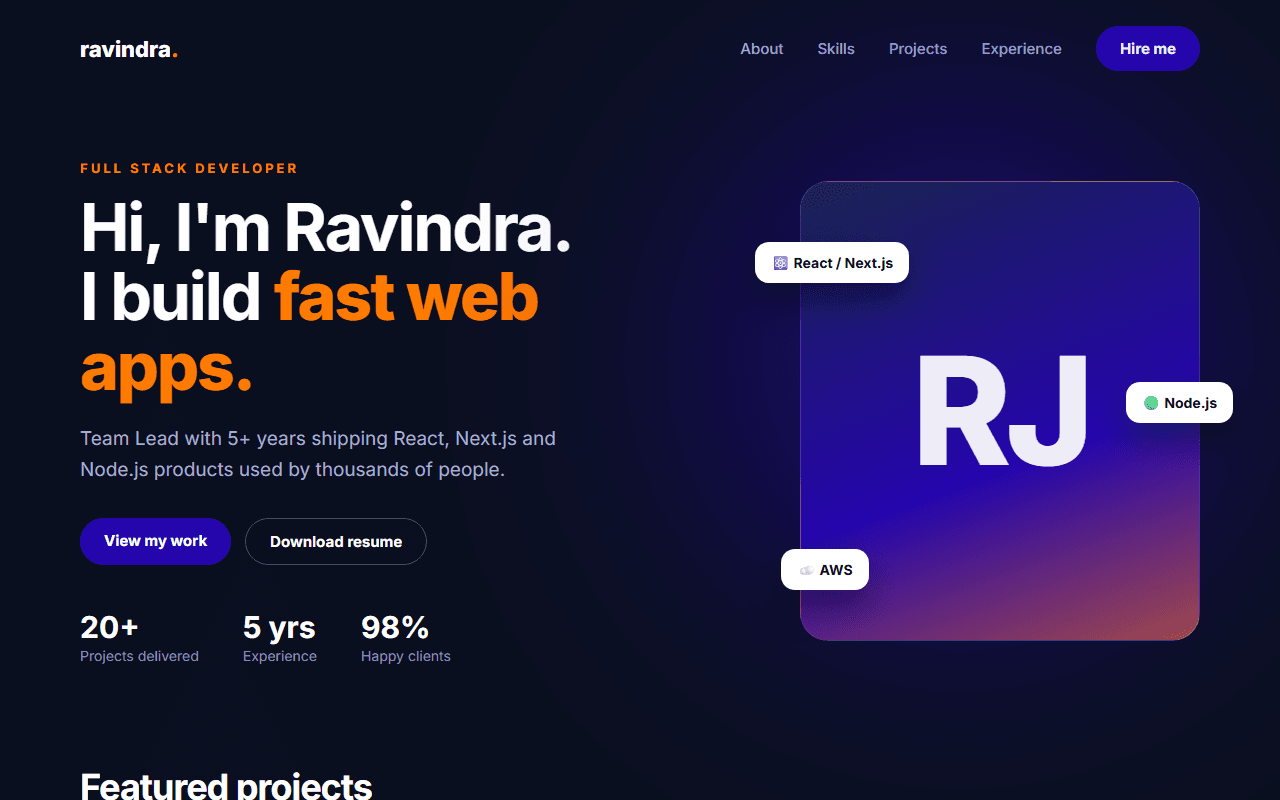
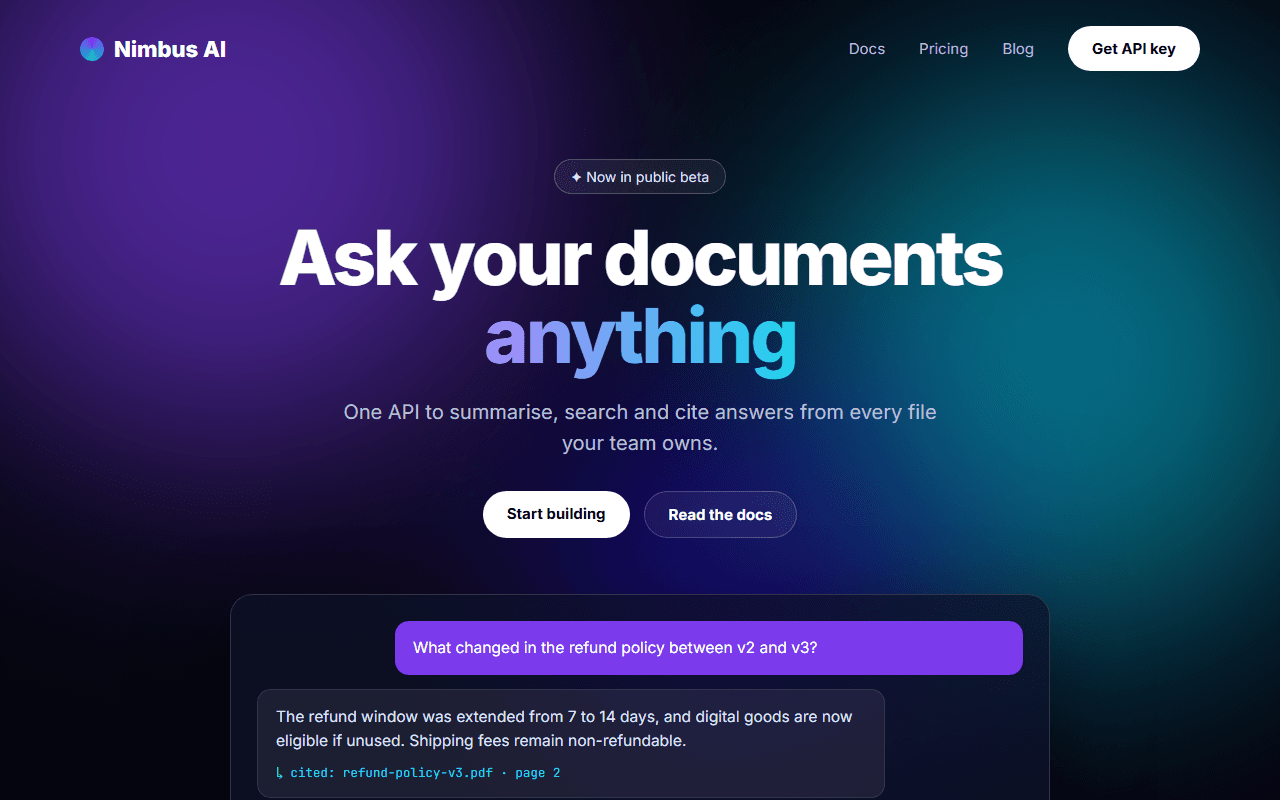
Real Estate Listing Website
A property search home page with a filterable search bar, property cards, city browsing and a lead form for agents.
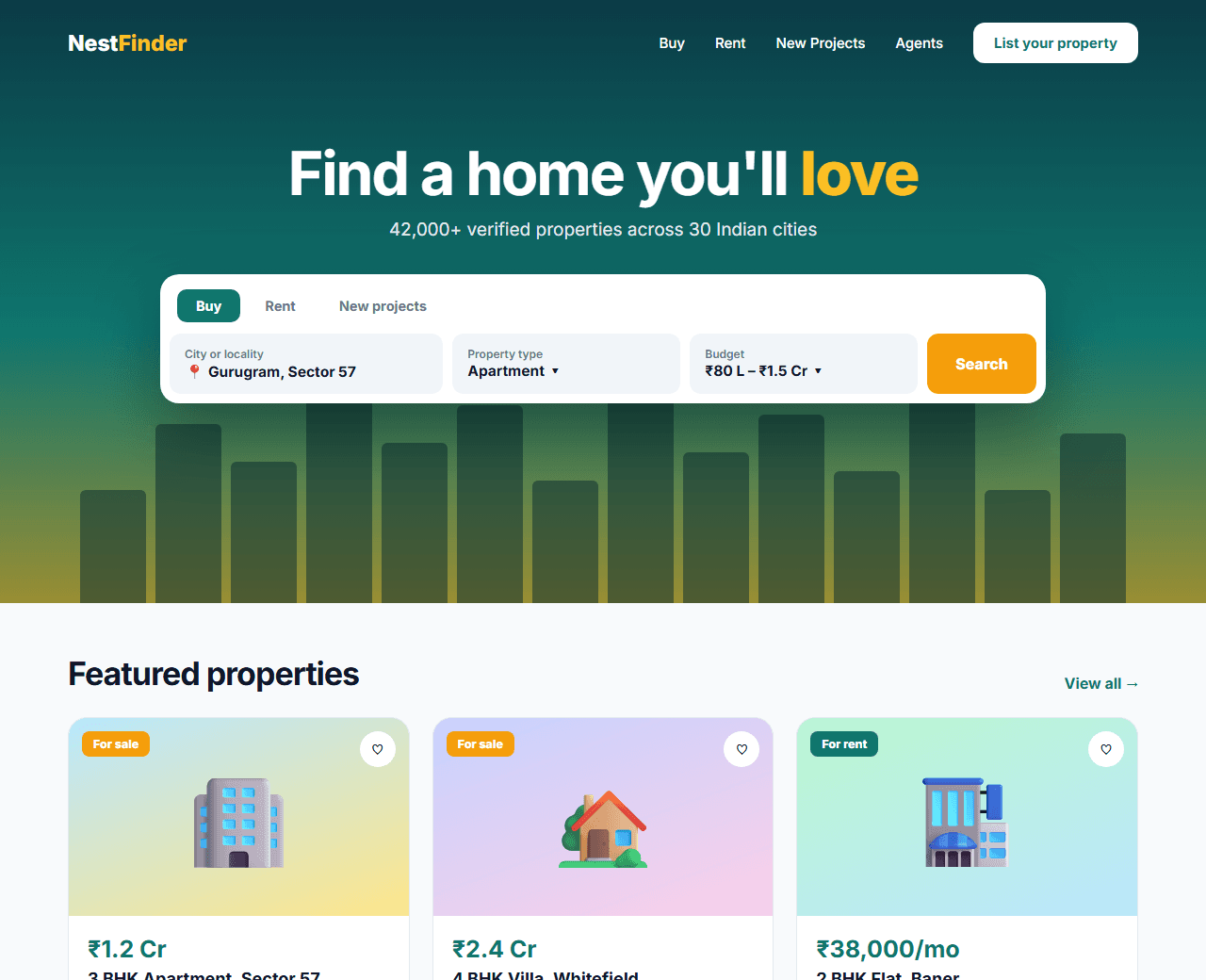
Example of the website this prompt builds. Your result will use your own name, text and images.
- Tech stack
- Next.js (App Router) + Tailwind CSS
- Colour palette
#ffffff#0f172a#0f766e#f59e0b
- What it builds
- Navbar
- Search hero
- Featured properties
- Browse by city
- Why us
- How it works
- Agent CTA
- Testimonials
- Footer
The prompt
Copy everything in the box. Text in quotes and the sample business details are meant to be replaced with your own.
Build the home page for a real estate platform called "NestFinder" that lists apartments and houses for sale and rent in Indian cities.

Tech stack: Next.js (App Router) with Tailwind CSS.

Visual style: clean and trustworthy. White background, dark slate text (#0f172a), teal (#0f766e) for primary actions and amber (#f59e0b) for badges. Large property photos, rounded 16px cards, clear price typography.

Sections, in order:
1. Navbar: logo, Buy, Rent, New Projects, Agents, and "List your property" button.
2. Search hero: a city skyline photo with an overlay, a headline, and a search card with tabs for Buy / Rent, a city select, a property type select (Apartment, Villa, Plot), a budget range select and a Search button.
3. Featured properties: a grid of six property cards. Each card shows a photo with a "For sale" or "For rent" badge and a save (heart) button, the price in rupees (use lakh/crore formatting), title, locality, and a row of facts (bedrooms, bathrooms, area in sq ft).
4. Browse by city: six city tiles (Delhi NCR, Mumbai, Bengaluru, Pune, Hyderabad, Chennai) with photo and number of listings.
5. Why us: four benefits (verified listings, no hidden charges, legal assistance, home loans).
6. How it works: three steps.
7. Agent CTA: a banner inviting agents to list properties, with a short lead form (name, phone, city).
8. Testimonials: three buyer stories.
9. Footer with city links (good for SEO), company links and contact details.

Behaviour: the Buy/Rent tabs change the budget options; the heart button toggles a saved state; property cards link to /property/[id].

Quality bar:
- Fully responsive: design mobile-first, then tablet (768px) and desktop (1200px).
- Accessible: semantic HTML landmarks, one h1, alt text on images, visible keyboard focus, colour contrast of at least 4.5:1 for body text.
- Fast: no heavy libraries, lazy-load images below the fold, system or two web fonts at most.
- Use placeholder images from a neutral source and realistic sample copy (no lorem ipsum).
- Respect prefers-reduced-motion for every animation.
- Keep the code clean and commented so I can edit it by hand.
How to use this prompt
- 1
Open an AI coding tool. Use any capable assistant: Claude, ChatGPT, Cursor, v0, Bolt, Gemini. Tools that can create files (Cursor, Claude Code, v0, Bolt) are the most convenient because they write the project for you.
- 2
Replace the sample details. Copy the prompt and change the business name, location, colours and any section you do not need. The more specific your details, the better the result.
- 3
Paste the prompt and generate. Send the whole prompt in one message. If the reply is cut off, say “continue from where you stopped”, or ask for one section at a time.
- 4
Run it on your computer. Create a project with “npx create-next-app@latest”, add the generated files, then run “npm run dev” and open http://localhost:3000.
- 5
Review and refine. Check it on a phone-width screen, fix anything that looks off by describing it in plain words, then use the follow-up prompts below to add features one at a time.
- 6
Replace placeholders and publish. Swap in your real text and images, then deploy. Vercel and Netlify both host this kind of site for free.
Follow-up prompts
Send these one at a time after the first version is working. Small, specific requests give much better results than one giant prompt.
Build the /search results page with a filter sidebar, sort dropdown, result cards and pagination driven by URL search params.
Build the /property/[id] page with a photo gallery, facts, amenities, map placeholder, EMI calculator and an enquiry form.
Add an EMI calculator component with loan amount, interest rate and tenure sliders.
Add RealEstateListing JSON-LD structured data to property pages.
Tips for a better result
- Format Indian prices the way buyers read them: ₹85 Lakh, ₹1.2 Cr.
- Keep filters in the URL so searches can be shared and indexed.
- Want to hand-build a section instead? The Templates library has heroes, pricing tables, FAQs and more with full code.