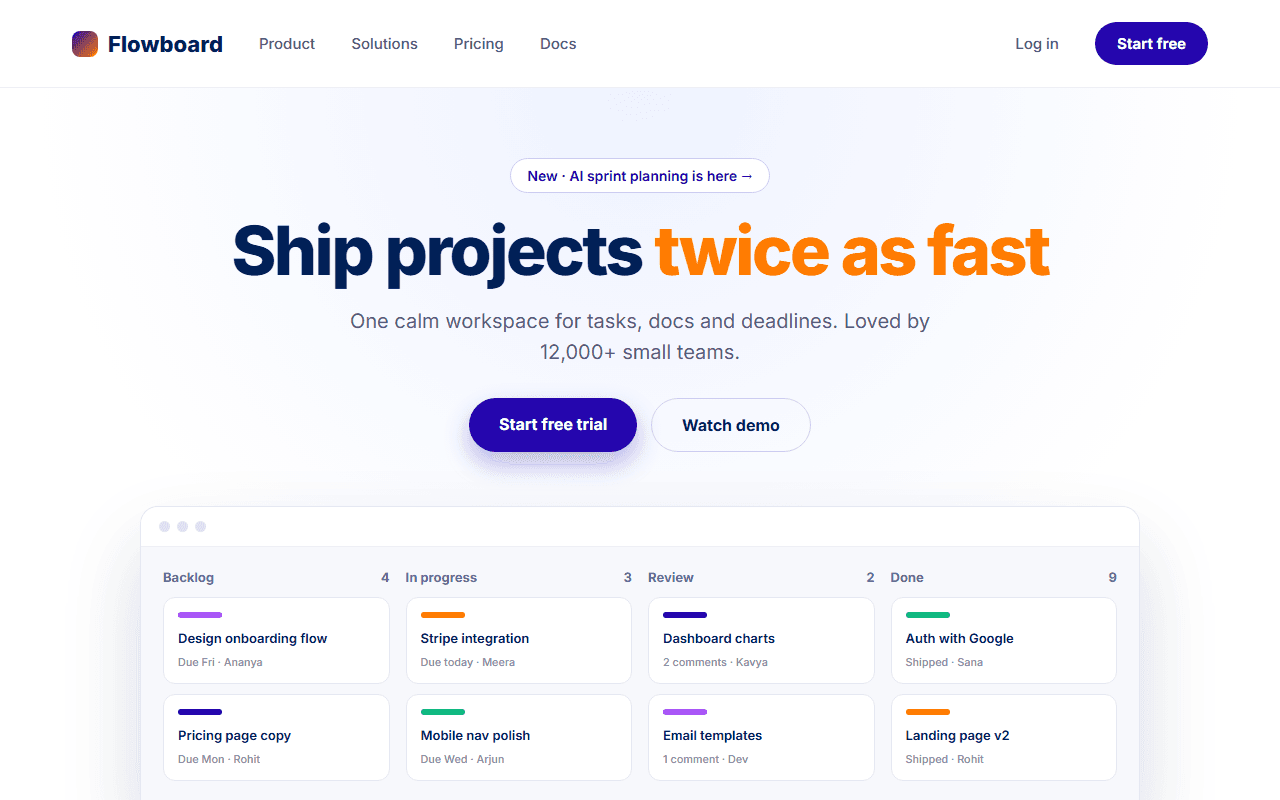
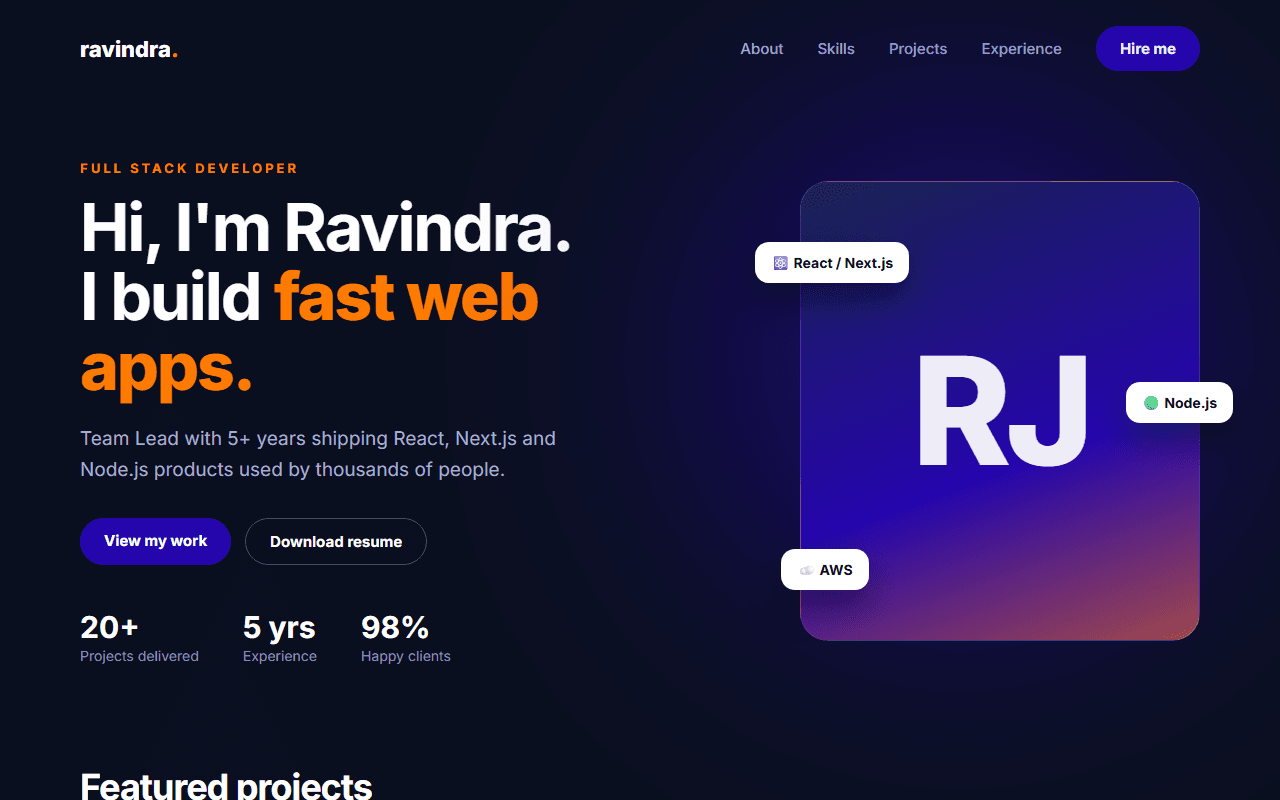
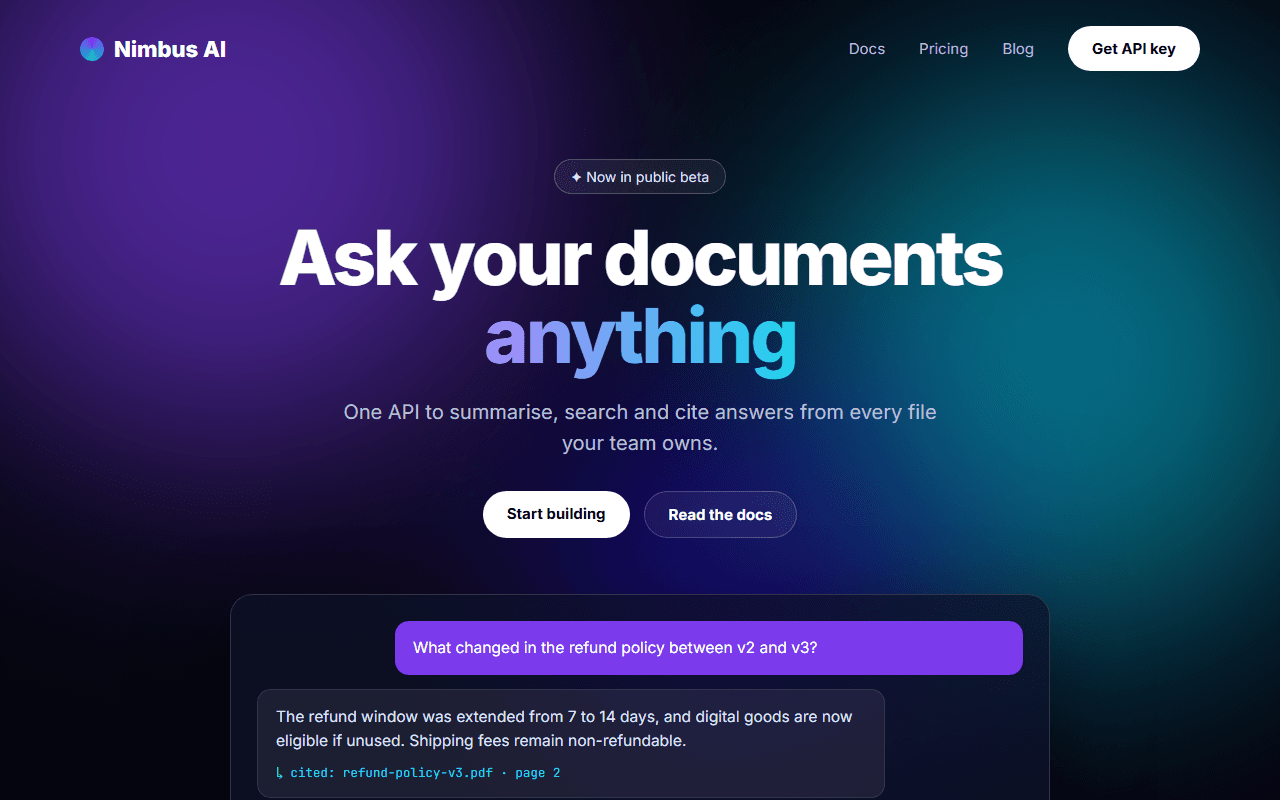
E-commerce Product Page
A complete product detail page with an image gallery, variant selectors, quantity control, reviews and related products.
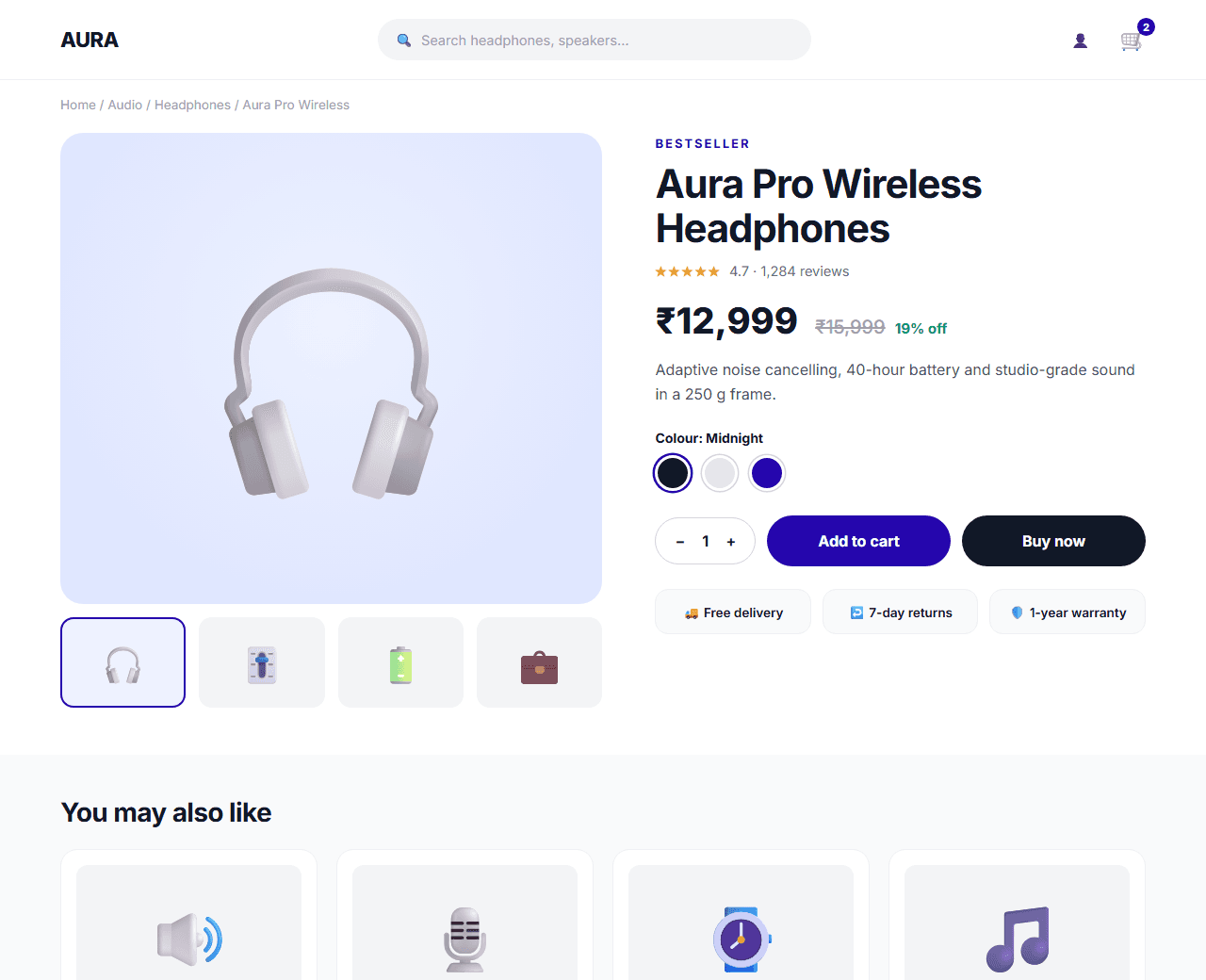
Example of the website this prompt builds. Your result will use your own name, text and images.
- Tech stack
- Next.js (App Router) + Tailwind CSS
- Colour palette
#ffffff#111827#2506ad#f59e0b
- What it builds
- Header with cart
- Breadcrumbs
- Image gallery
- Product info and variants
- Add to cart
- Tabs: description, specs, reviews
- Related products
- Footer
The prompt
Copy everything in the box. Text in quotes and the sample business details are meant to be replaced with your own.
Build a product detail page for an online store selling premium headphones. Product: "Aura Pro Wireless Headphones", ₹12,999 (MRP ₹15,999).

Tech stack: Next.js (App Router) with Tailwind CSS. The page is a Server Component; the gallery, variant picker and add-to-cart control are small Client Components.

Visual style: clean retail. White background, near-black text (#111827), indigo (#2506ad) for the primary button, amber (#f59e0b) for star ratings. Plenty of white space around product images.

Layout:
1. Header: logo, search field, account icon and a cart icon with an item-count badge.
2. Breadcrumbs: Home / Audio / Headphones / Aura Pro.
3. Main area, two columns on desktop:
   - Left: image gallery with one large image and four thumbnails; clicking a thumbnail swaps the main image. Swipeable on mobile.
   - Right: product name, star rating with review count, price with the MRP struck through and the percentage saved, a short description, a colour selector (three swatches), a quantity stepper, "Add to cart" and "Buy now" buttons, and delivery info (free delivery, 7-day returns, 1-year warranty) with icons. Show a pincode field to check delivery.
4. Tabs below: Description, Specifications (a two-column table) and Reviews (rating breakdown bars plus three sample reviews).
5. "You may also like": four related product cards.
6. Footer.

Behaviour: selecting a colour updates the selected state and the main image; the quantity stepper cannot go below 1; "Add to cart" shows a brief confirmation and increments the cart badge (client-side state is fine).

Quality bar:
- Fully responsive: design mobile-first, then tablet (768px) and desktop (1200px).
- Accessible: semantic HTML landmarks, one h1, alt text on images, visible keyboard focus, colour contrast of at least 4.5:1 for body text.
- Fast: no heavy libraries, lazy-load images below the fold, system or two web fonts at most.
- Use placeholder images from a neutral source and realistic sample copy (no lorem ipsum).
- Respect prefers-reduced-motion for every animation.
- Keep the code clean and commented so I can edit it by hand.
How to use this prompt
- 1
Open an AI coding tool. Use any capable assistant: Claude, ChatGPT, Cursor, v0, Bolt, Gemini. Tools that can create files (Cursor, Claude Code, v0, Bolt) are the most convenient because they write the project for you.
- 2
Replace the sample details. Copy the prompt and change the business name, location, colours and any section you do not need. The more specific your details, the better the result.
- 3
Paste the prompt and generate. Send the whole prompt in one message. If the reply is cut off, say “continue from where you stopped”, or ask for one section at a time.
- 4
Run it on your computer. Create a project with “npx create-next-app@latest”, add the generated files, then run “npm run dev” and open http://localhost:3000.
- 5
Review and refine. Check it on a phone-width screen, fix anything that looks off by describing it in plain words, then use the follow-up prompts below to add features one at a time.
- 6
Replace placeholders and publish. Swap in your real text and images, then deploy. Vercel and Netlify both host this kind of site for free.
Follow-up prompts
Send these one at a time after the first version is working. Small, specific requests give much better results than one giant prompt.
Add Product JSON-LD structured data with price, availability and aggregate rating.
Build the cart drawer that slides in from the right with line items and a subtotal.
Make the mobile layout show a sticky 'Add to cart' bar at the bottom of the screen.
Add an image zoom on hover for desktop.
Tips for a better result
- Show the final price including taxes and the delivery estimate early; hidden costs cause cart abandonment.
- Only display ratings and reviews that are real.
- Want to hand-build a section instead? The Templates library has heroes, pricing tables, FAQs and more with full code.